New: Phone protection from $5/month with AKKO.
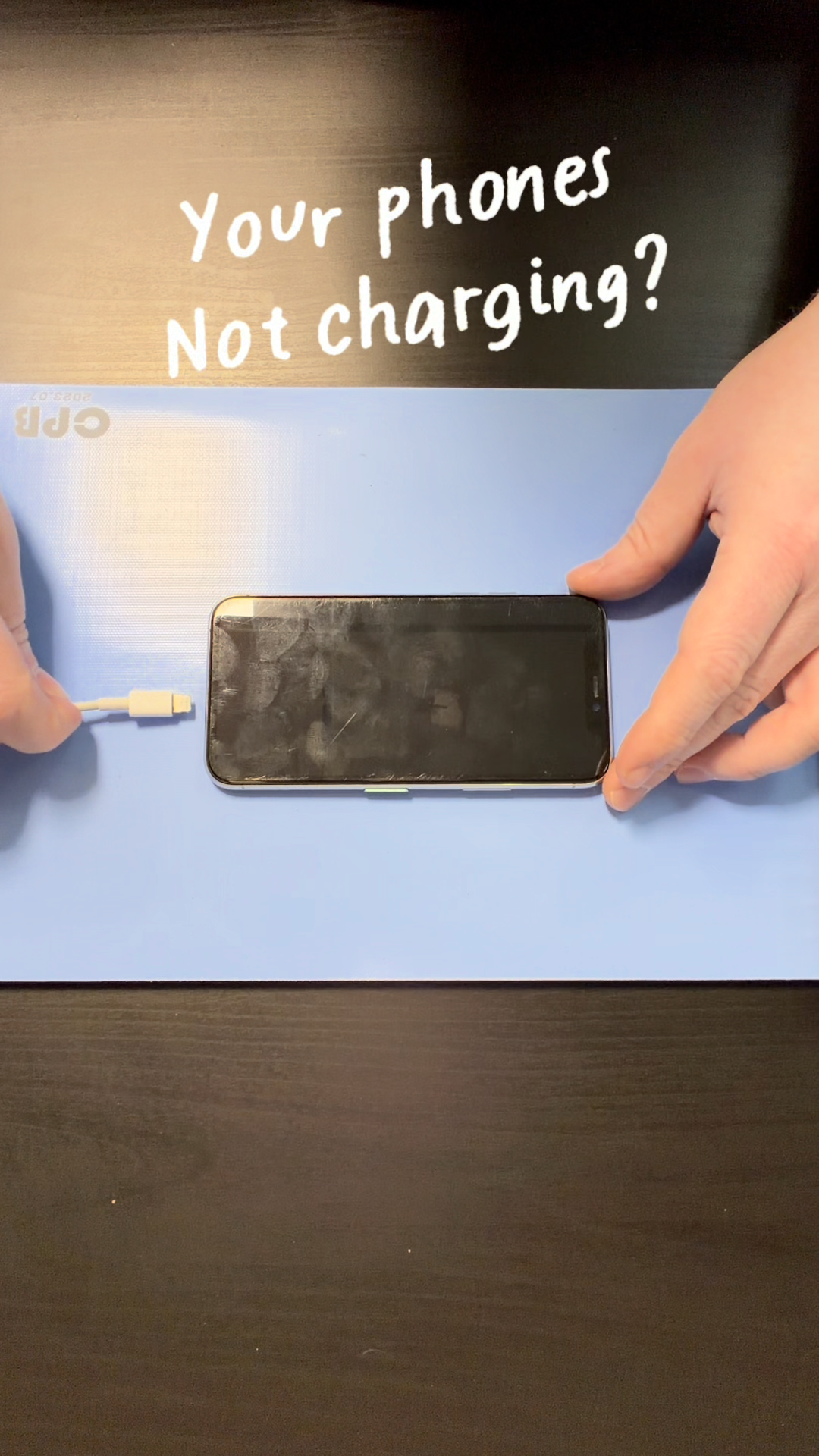
If your charger feels loose or only works when you wiggle it, the issue is usually packed lint inside the Lightning port — not a bad cable and not a bad battery.
Start by powering your phone off. Shine a flashlight into the port and check for debris.
Step one: Use compressed air or a dust blower. Do not use your mouth — moisture can damage internal contacts.
Step two: Use a dry, soft brush to gently loosen compacted lint. Do not force anything inside the port and do not use metal tools.
If needed, lightly dampen a small swab with 90%+ isopropyl alcohol and gently clean inside the port. It should be barely damp, not soaked. Let it fully dry before plugging your charger back in.
When finished, your charger should click in firmly and stay secure.
If your phone still doesn’t charge after cleaning, the port may be damaged and require professional repair.